In development · not released yet
Your game servers, your machines, one panel.
NGCP is a self-hosted control panel for game servers. Install the panel on your own hardware and add the Windows and Linux machines that run your servers. Then handle installs, updates, consoles, schedules and backups from your browser.
There are no downloads yet. See what will be offered.
- Nodes
- Windows and Linux
- Node link
- Mutual TLS, opened by the node
- Game servers
- Native processes, no Docker
- Panel
- Web UI, REST API, PostgreSQL
Made by Mark V. Larson to run the Clan of Brothers' ArmA 3 servers, and built for anyone who hosts their own.
How it fits together
Nodes dial out. Nothing dials in.
NGCP has two parts. The panel serves the web interface and the REST API and keeps everything in PostgreSQL. A small agent on each game-server machine opens a mutual-TLS connection out to the panel.
- Nodes can sit behind NAT. There is no inbound management port to open.
- Windows and Linux nodes are both first-class.
- Game servers run as native processes. No Docker needed.
- Restart the panel whenever you like: game servers keep running and the agents reconnect by themselves.
Games
Four games ship with it. Yours is a YAML file away.
- ArmA 3Headless clients, Steam Workshop mods with the -mod line built for you, BattlEye RCON.
- Counter-Strike 2SteamCMD installs and updates, Source RCON.
- Minecraft JavaPaper server and its Java runtime, downloaded for you, Minecraft RCON.
- ValheimAnonymous SteamCMD install, player counts from the game's status query.
A game definition is one YAML file: install steps, ports, startup variables, config forms, the console and status query, and what to back up.
gamedefs/valheim/game.yamlexcerpt
install:
  linux:
    - {type: steamcmd, name: Valheim server, app_id: 896660, login: anonymous, validate: true}

ports:
  - {role: game, proto: udp, default: 2456, offset: 0}
  - {role: query, proto: udp, default: 2457, offset: 1}

variables:
  - {key: server_name, label: Server name, type: string, default: "My Valheim Server", user_editable: true}
  - {key: password, label: "Password (5+ characters, not part of the name)", type: password, generate: true}

processes:
  - role: main
    linux: {exe: valheim_server.x86_64}
    ready_regex: "Game server connected"

query: {type: a2s, port: "{port.query}"}
backup:
  include: ["saves/**"]
Shortened from the Valheim definition that ships with NGCP. Writing game definitions
Day to day
The work you do every week, in one place.
Live status, console and RCON
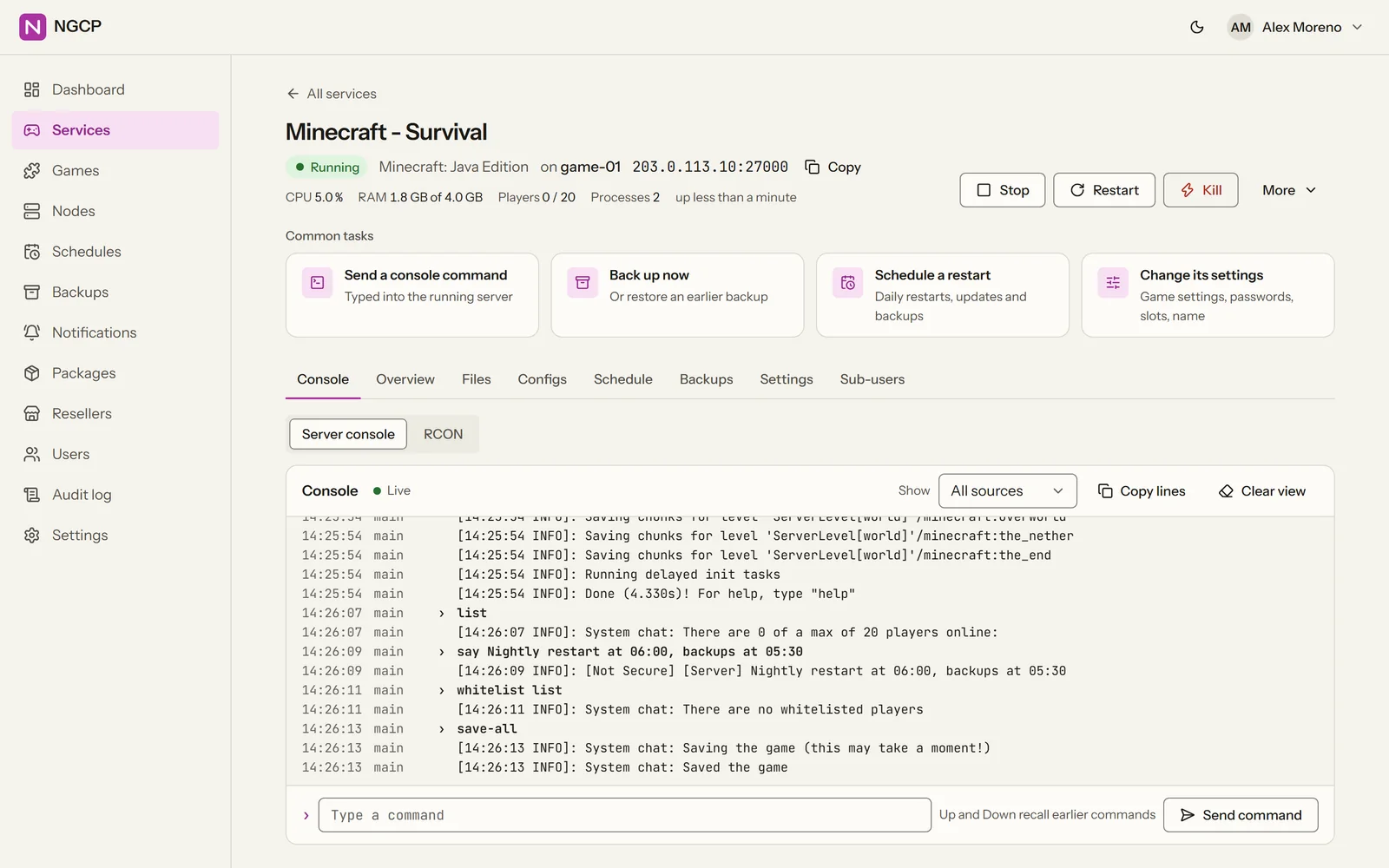
CPU, memory and player charts update live, and the console shows the server's output as it happens. RCON speaks Source, BattlEye, Minecraft and TeamSpeak ServerQuery; the player count comes from the game's own status query.
Steam Workshop mods, in load order
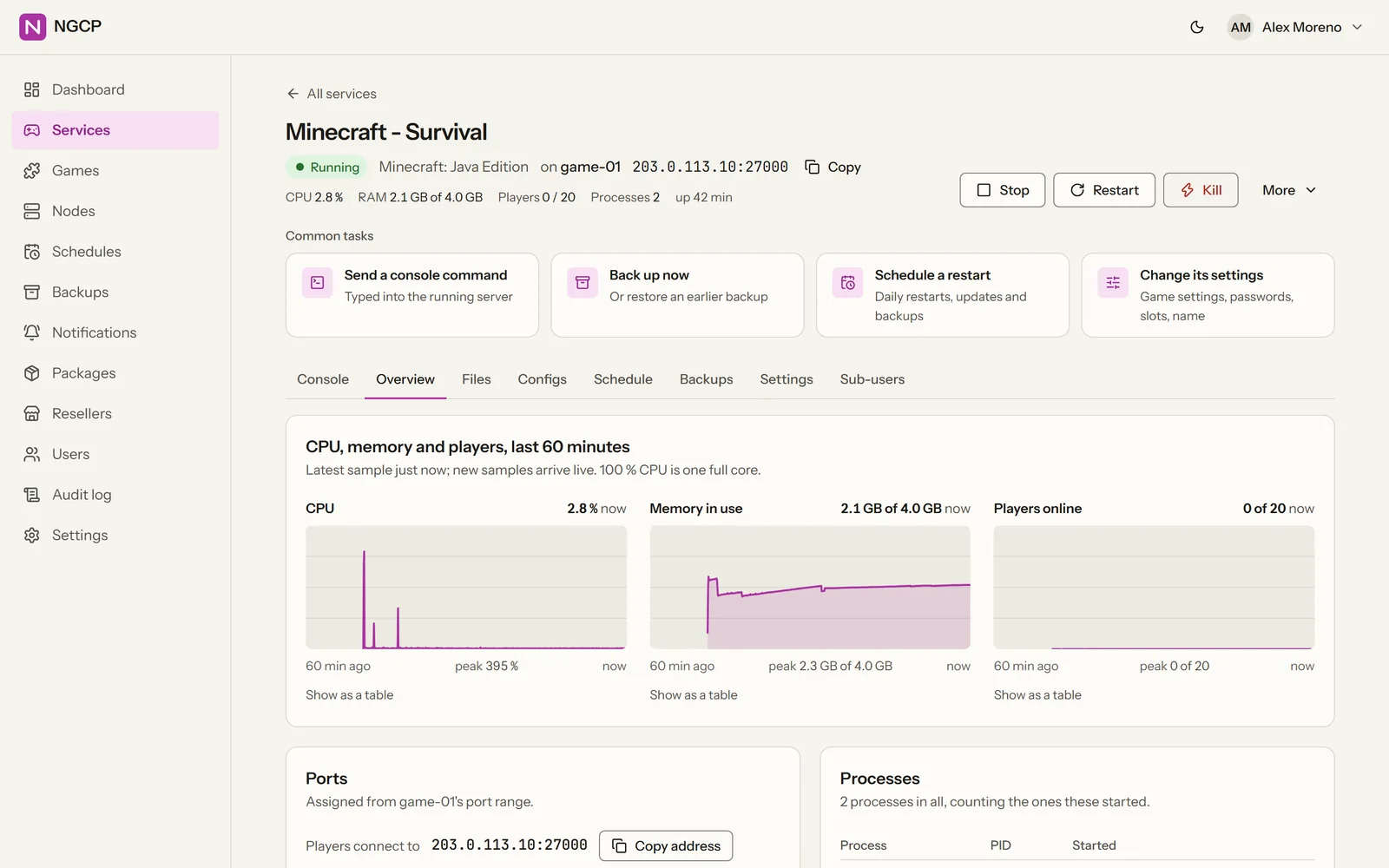
Add mods by Workshop id or link in the Mods tab, or add a whole collection. The list order is the load order. Run Update and NGCP downloads each mod. On ArmA 3 it also copies the .bikey files into the server's keys folder and builds the -mod line.
Schedules run on the node, even when the panel is down
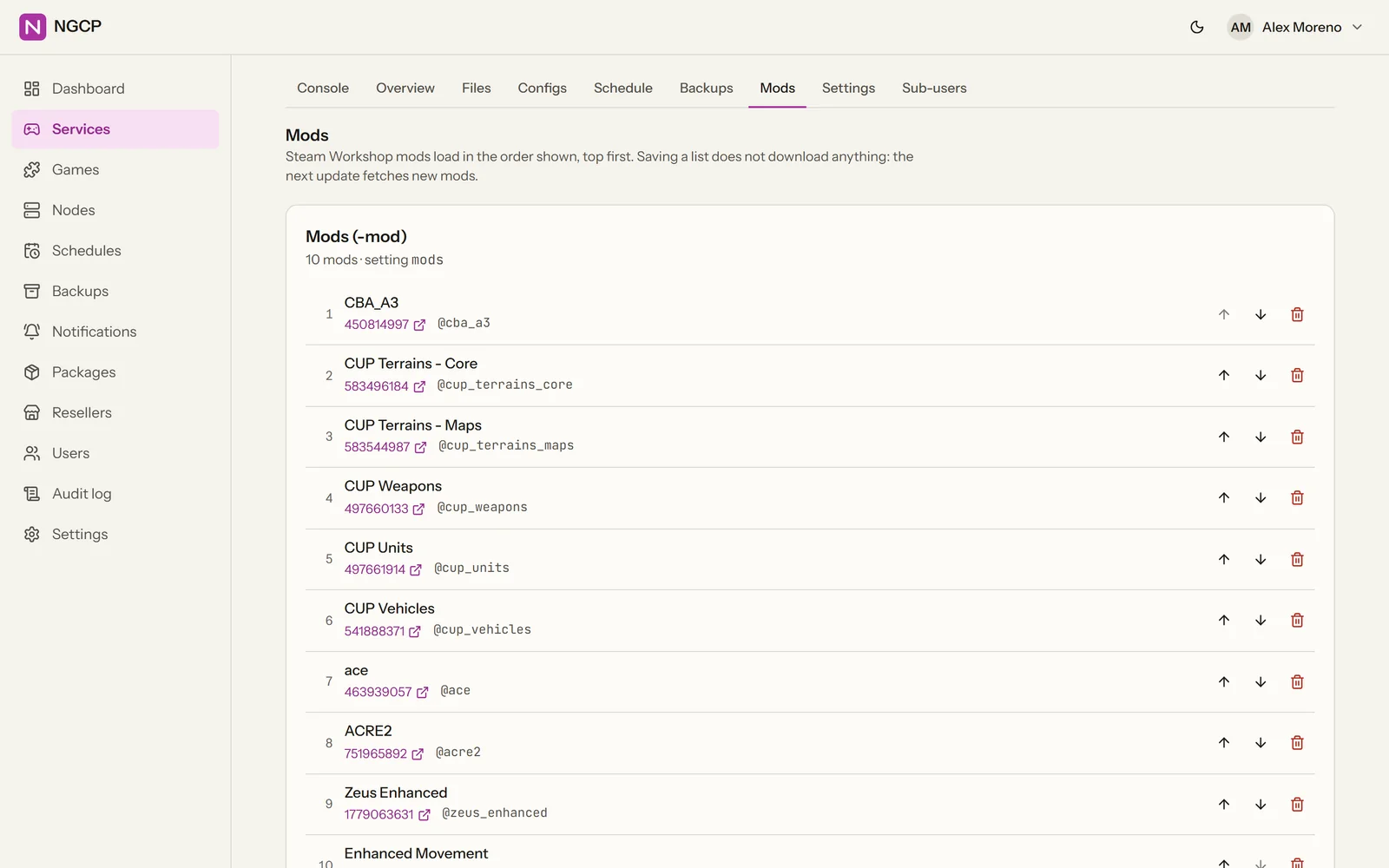
Restart, update, back up, send an RCON command, run a script or send a notification on a cron schedule. Each node keeps its own copy, so the 06:00 restart still happens while the panel is offline. A crashed server is restarted automatically, with back-off.
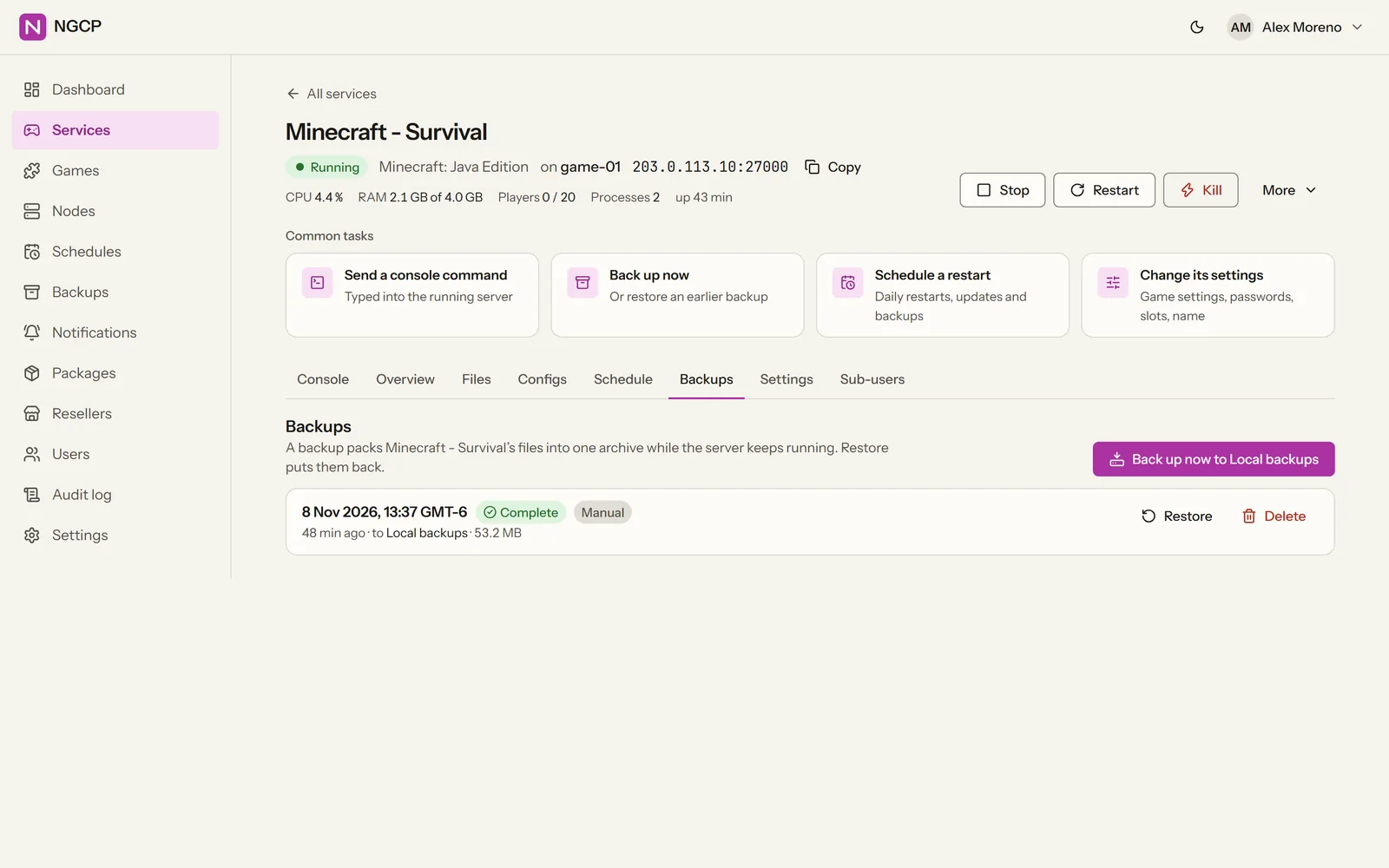
Backups with retention and one-click restore
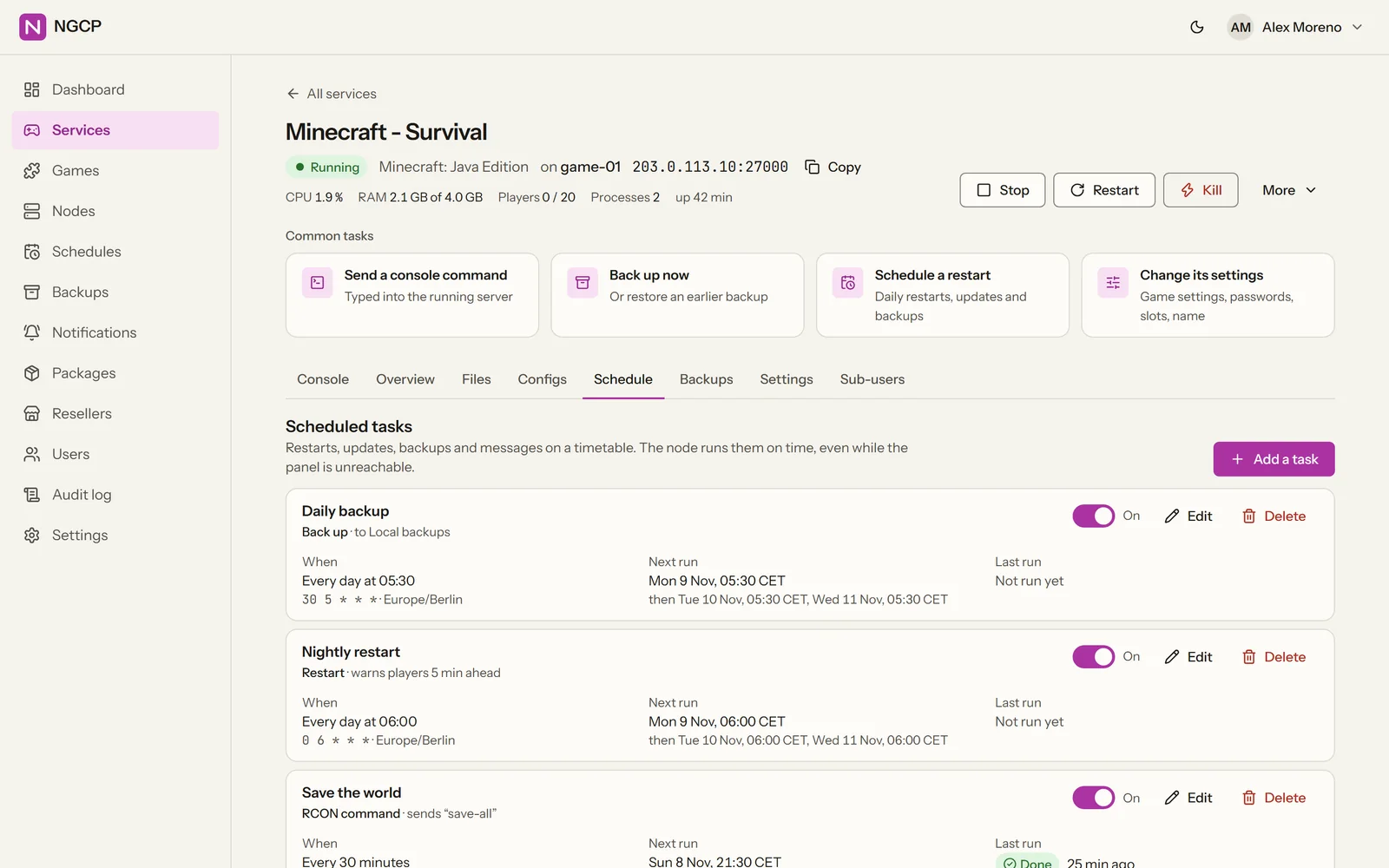
Back up to a local folder, SFTP or S3-compatible storage. Retention rules prune old backups for you, and restoring one is a single click.
Ready for hosting
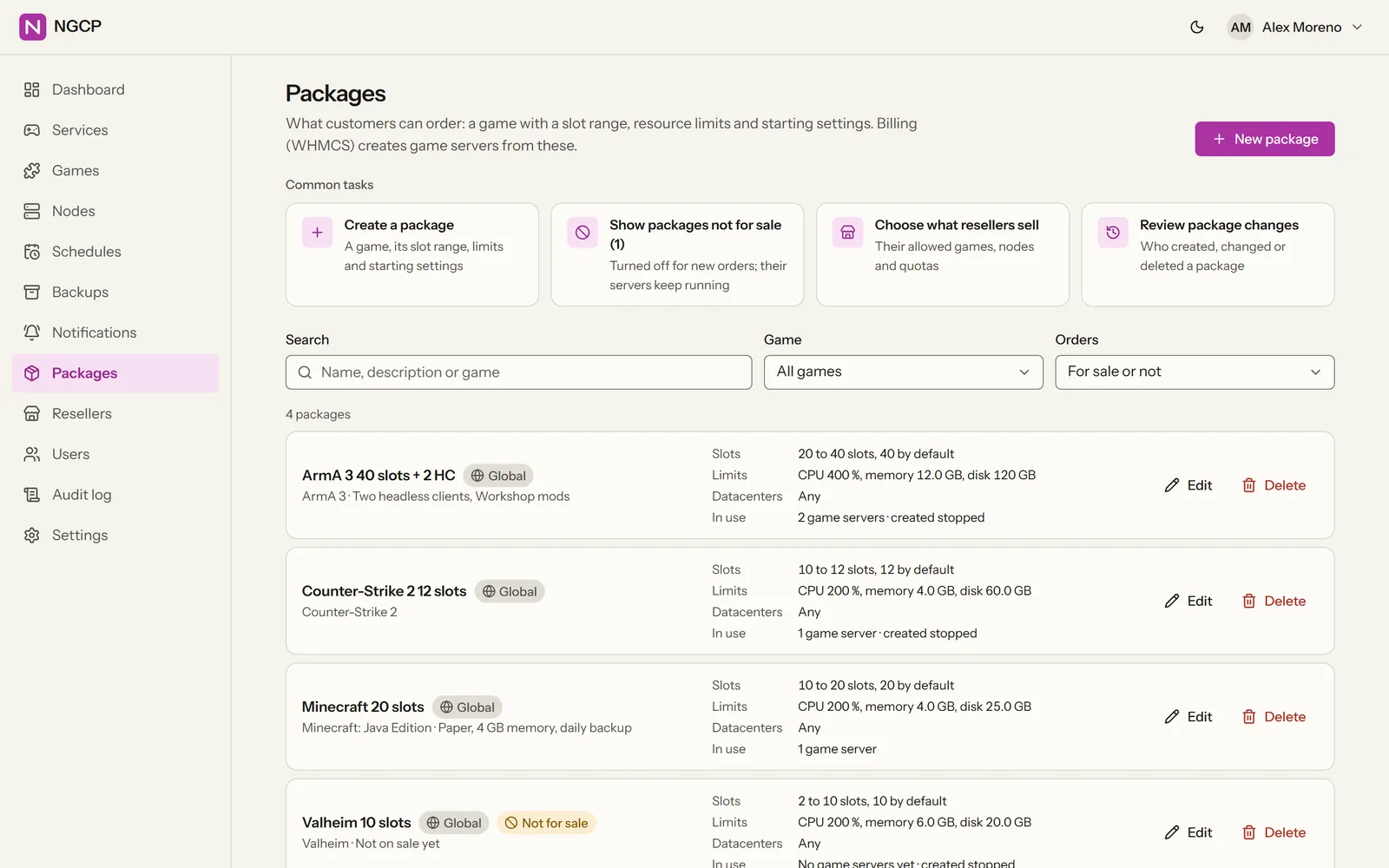
Packages, resellers with their own quotas and branding, and sub-users per server. A billing API and a WHMCS module connect your billing: orders create servers, overdue invoices suspend them, and customers get a one-click “Log in to the game panel”.
Isolation and accounts
Every game server in its own box.
One OS user per server
Each game server runs as its own operating-system user, with resource limits (Job Objects on Windows, cgroups on Linux) and its own firewall rules. One server cannot read another's files.
Accounts you can account for
Roles from SuperAdmin to sub-user, two-step verification (TOTP), API keys, an admin IP allow-list and an audit log of every change.
Installing
Installs like an application.
Windows
NGCP Setup
One installer for the panel, the game servers or both. PostgreSQL is included.
Linux
.deb and .rpm packages
For Debian and Ubuntu, and for RHEL, Rocky and Alma.
Linux appliance
ISO, Hyper-V and VMware
An Ubuntu-based installer ISO plus Hyper-V and VMware images, with a first-boot setup on the server's screen.
Add a Linux node: the panel gives you this line with a one-time token
curl -fsSL https://panel.example.com/install/agent.sh | sudo bash -s -- \
  --token ngcpe_... --ca-hash sha256:...
Windows nodes get the same as one PowerShell line. A node on the panel's own server joins by itself. Adding a node
NGCP is in development.
It is not released yet, so there is nothing to download today. The documentation is public, and the changelog shows what each development phase added.